
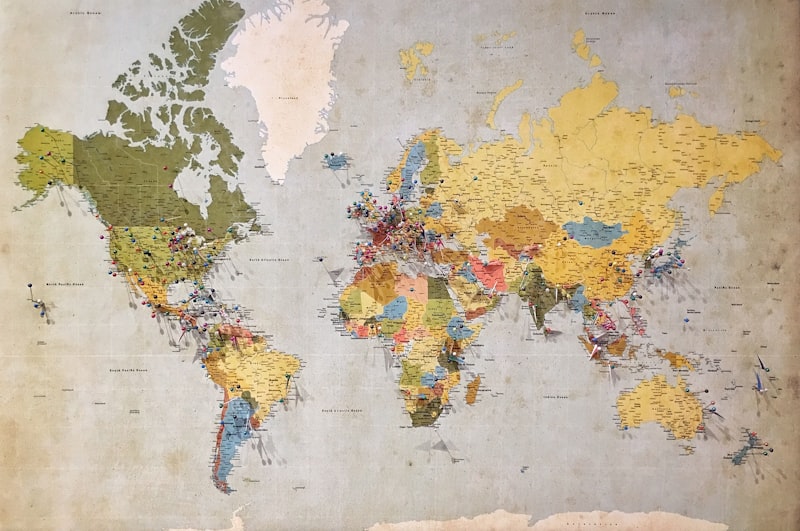
Location-based features transform apps from useful to essential. Google Maps integration in Flutter opens up possibilities from delivery tracking to store locators to location-based discovery.
Getting Started
The google_maps_flutter package provides a native Google Maps widget for Flutter. You’ll need a Google Cloud Platform project with the Maps SDK enabled for both iOS and Android, and API keys configured for each platform.
Restrict your API keys to specific platforms and bundle identifiers. Unrestricted keys are a security risk and a billing risk — anyone who finds your key can generate charges on your account.
Displaying a Basic Map
The GoogleMap widget accepts initial camera position, map type, and various interaction options. Start with a simple map centered on a relevant location, and add complexity incrementally.
Control which gestures are enabled based on your use case. A map for selecting a delivery address needs full interaction. A map displaying a fixed store location might only need zoom, not rotation or tilt.
Custom Markers
Default red markers work for prototypes, but production apps need branded markers. Create custom markers from asset images or dynamically generated widgets. For dynamic markers that display real-time information (like delivery driver status), generate bitmap markers from widget trees using the RepaintBoundary approach.
Marker clustering prevents visual clutter when displaying many points. The google_maps_cluster_manager package handles clustering automatically, grouping nearby markers as the user zooms out.
Drawing Routes and Polygons
The Directions API provides route data between points. Draw polylines on the map to show routes, and use polygons to define service areas or delivery zones. Decode the API’s encoded polyline string into LatLng points for drawing on the map.
Geocoding and Place Search
Convert addresses to coordinates (geocoding) and coordinates to addresses (reverse geocoding) using the Geocoding API. The Places API adds autocomplete search functionality — users type an address and see suggestions as they type.
Real-Time Location Tracking
For delivery or ride-sharing apps, combine the geolocator package for device location with Firestore or WebSockets for real-time position updates. Stream the driver’s location to Firestore, and listen to those updates on the customer’s device to animate the marker along the actual route.
Performance Tips
Load maps lazily — don’t initialise the map widget until the user navigates to a screen that needs it. Limit marker updates to visible map bounds. Cache geocoding results to reduce API calls and costs.
Cost Management
Google Maps Platform charges per API call after free tier limits. Monitor usage in the Google Cloud Console and set billing alerts. Cache aggressively, batch requests where possible, and consider whether simpler alternatives (like static map images) work for some use cases.
At Masterpiece Designs, we’ve integrated mapping features across multiple client apps, including our Tafmung project where location-based functionality is central to the user experience.